 InspirPlanet

Your ideas, with room to grow
Capture fast.Keep ideas in order.
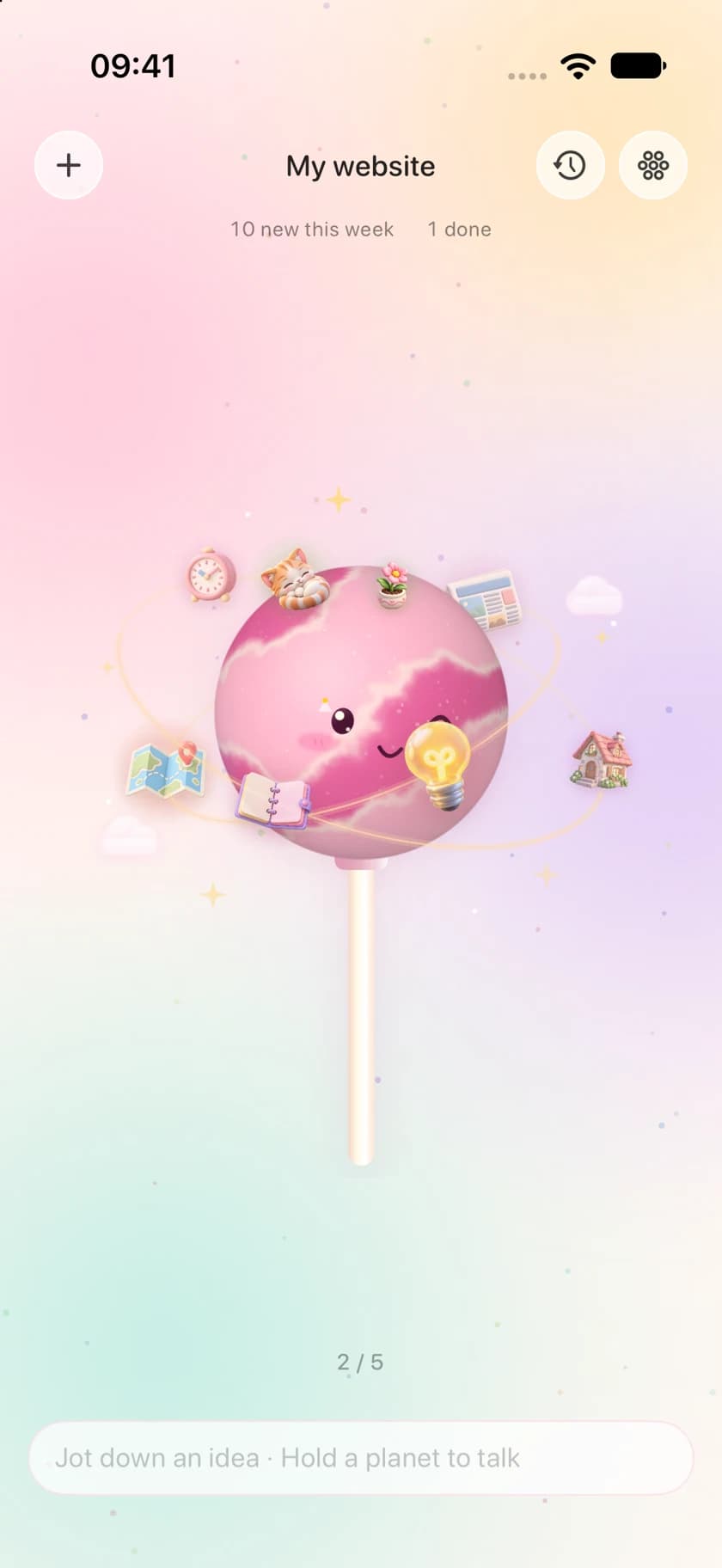
Type a thought from your lock screen, or hold a planet in the app to speak. Each idea stays separate, with a little help finding its project or theme.
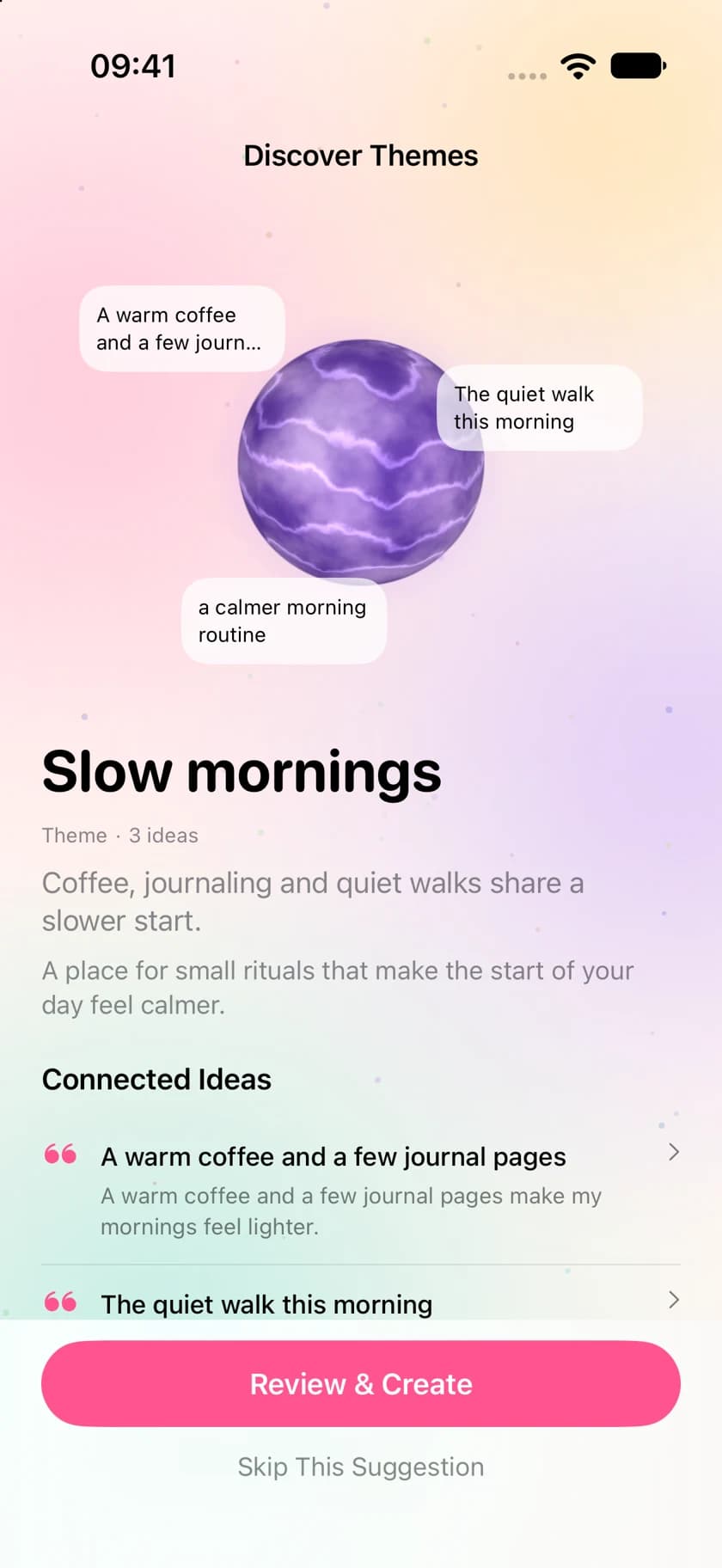
These latest English app screens use demonstration records.
01 / Capture
An idea arrives. Start there.
Use a lock-screen widget, Control Center or a configured Action Button to open text capture. Prefer speaking? Open the app and hold a planet. Text and audio save on your device first.
02 / Keep
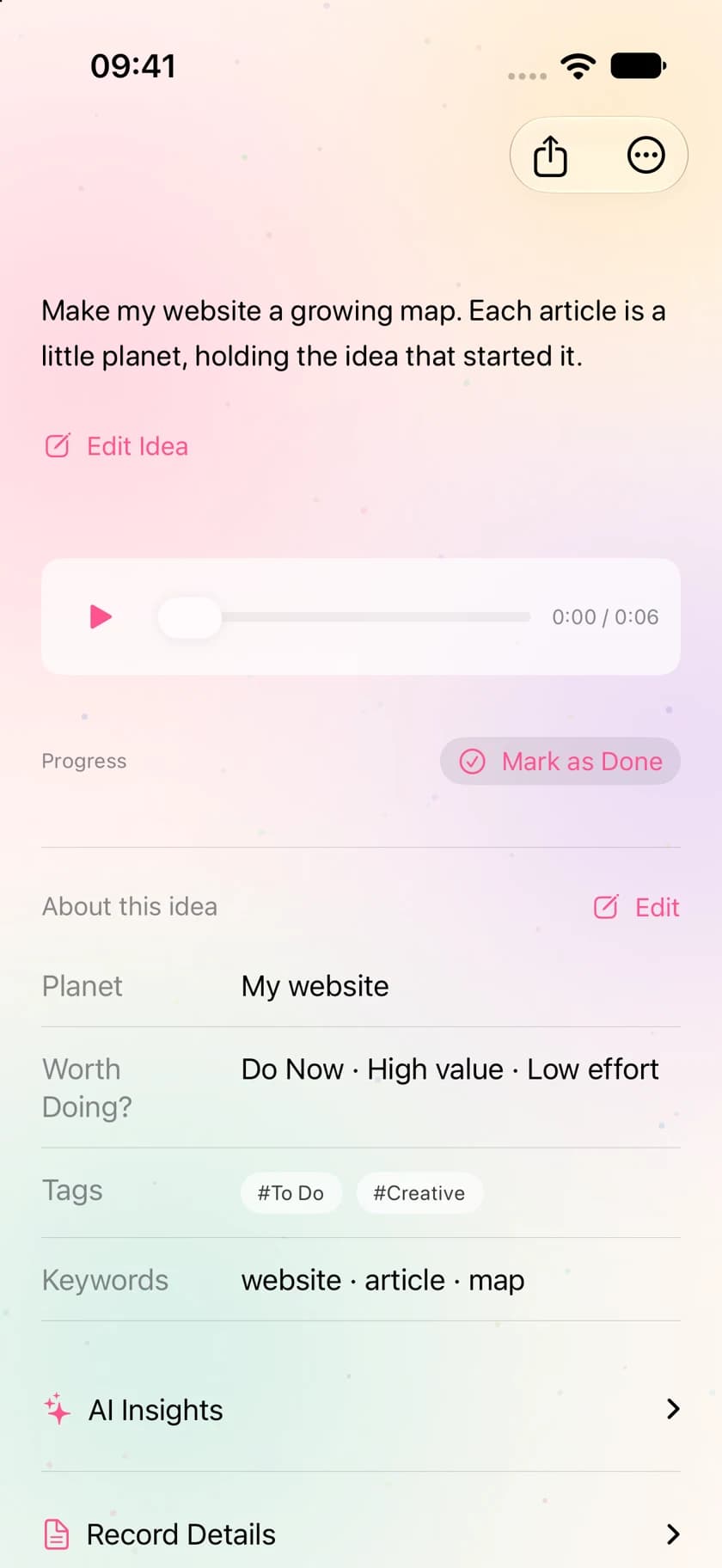
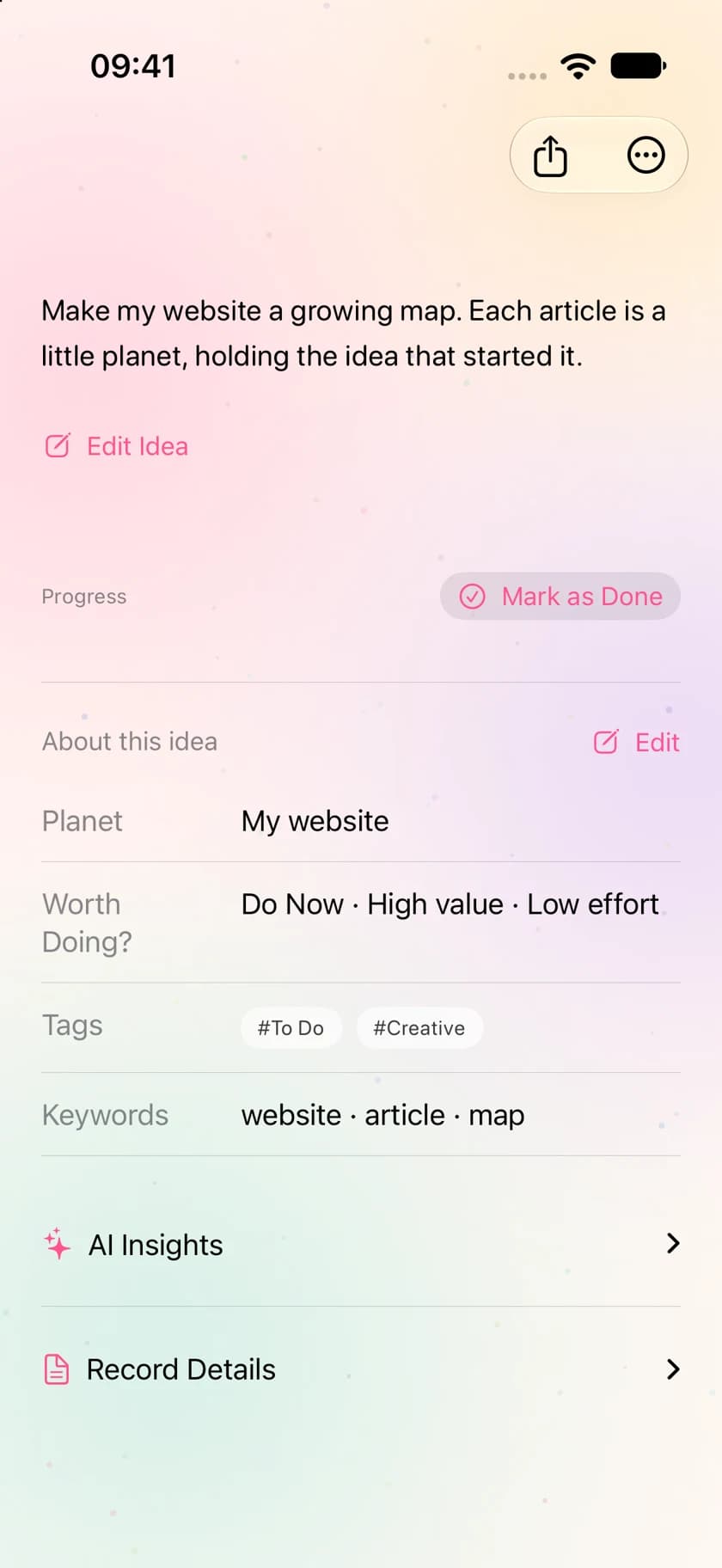
One thought. One note.
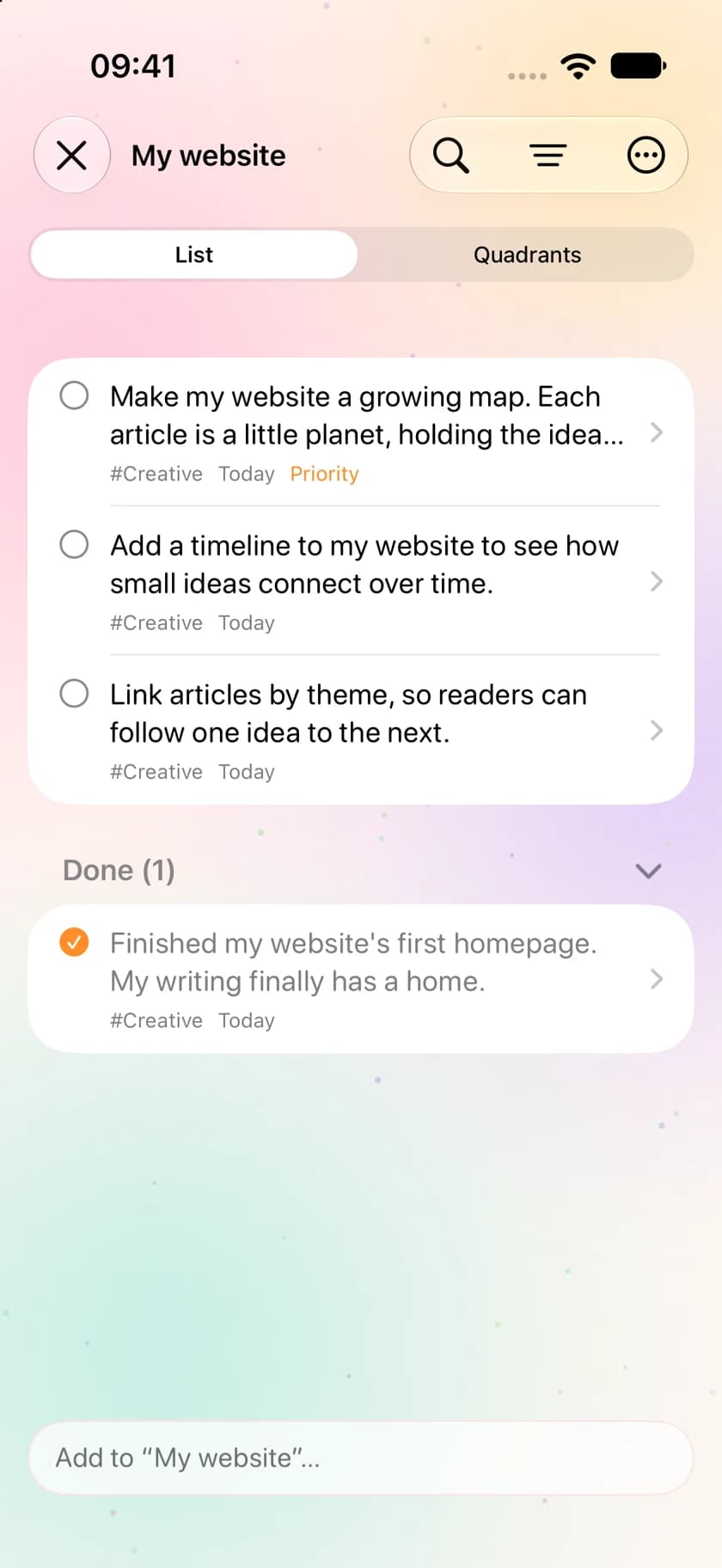
Ideas don’t need to pile up in a long document or a chat with yourself. Each has its own note to edit, search and move. Mark project ideas as done when you bring them to life.
03 / Organize
Save first. Sort afterwards.
Online AI helps with tags, keywords, priority and placement in your projects or ongoing themes. Unsure ideas stay in the Nebula. You can always adjust their home.
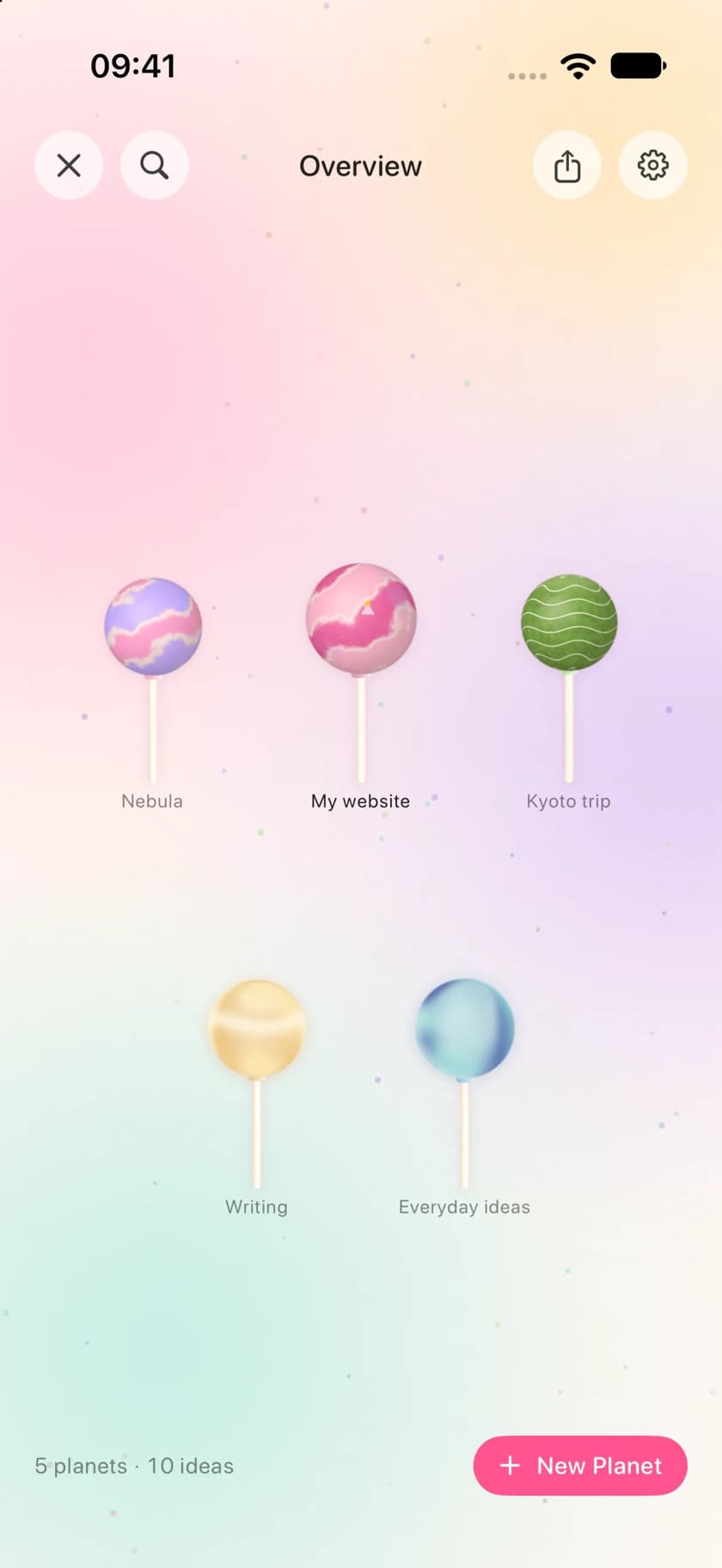
When you come back
Pick up where the thought began.
Find related ideas, extract key points from longer text, and review suggested themes. You choose whether to turn a suggestion into a new planet.
Your universe, wherever you go
Saved locally. Synced with you.
Use iCloud with the same Apple Account to sync planets, text and recordings. Online organization sends relevant text; the privacy notice explains each data path.
Learn how data is handledNeed a little help?
Find your next orbit.
From your first note to syncing across devices, find answers to common questions here.
Read the support guideReady for your next thought.
A quick place to capture it. A clearer place to find it.
Coming soon to the App Store